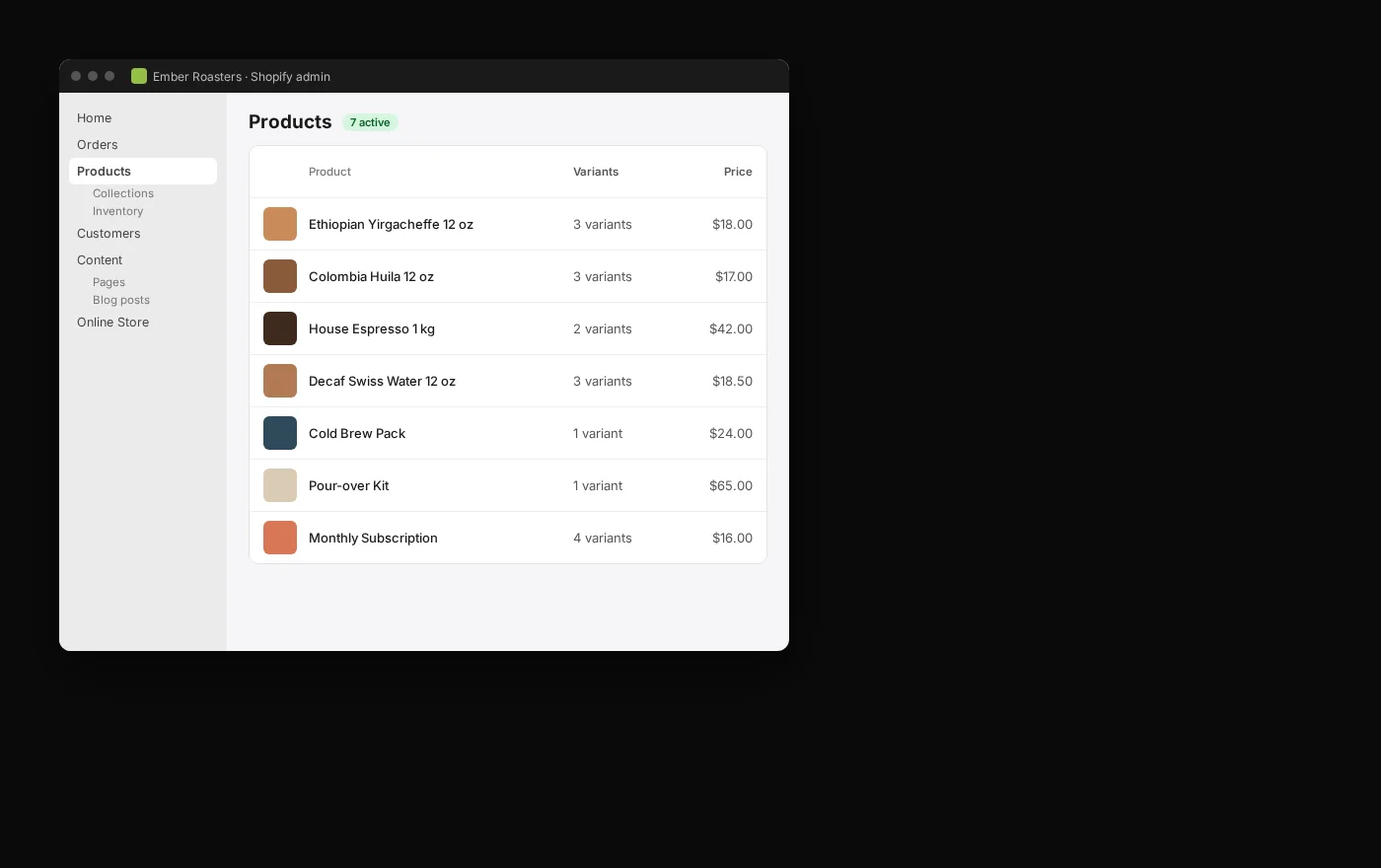
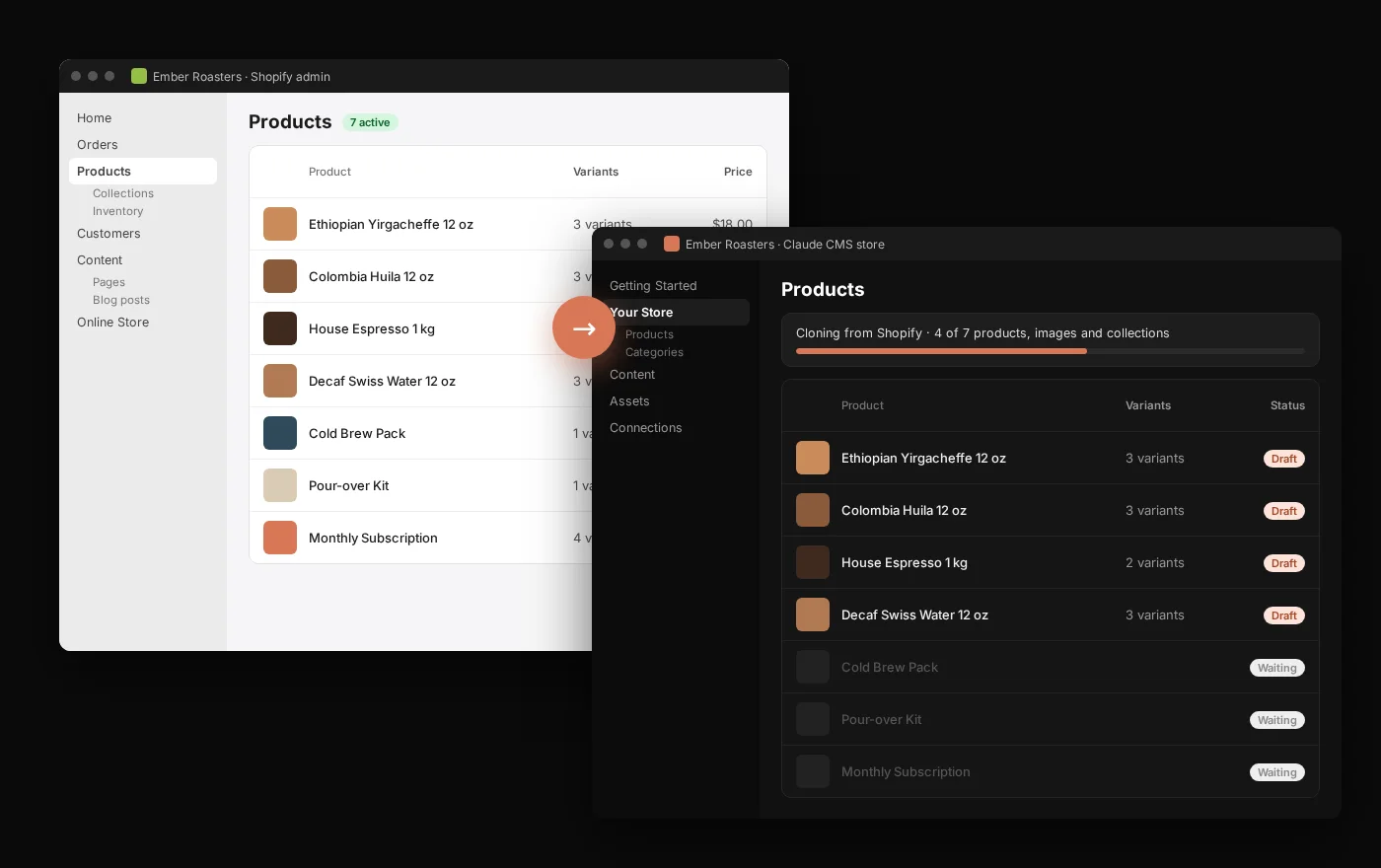
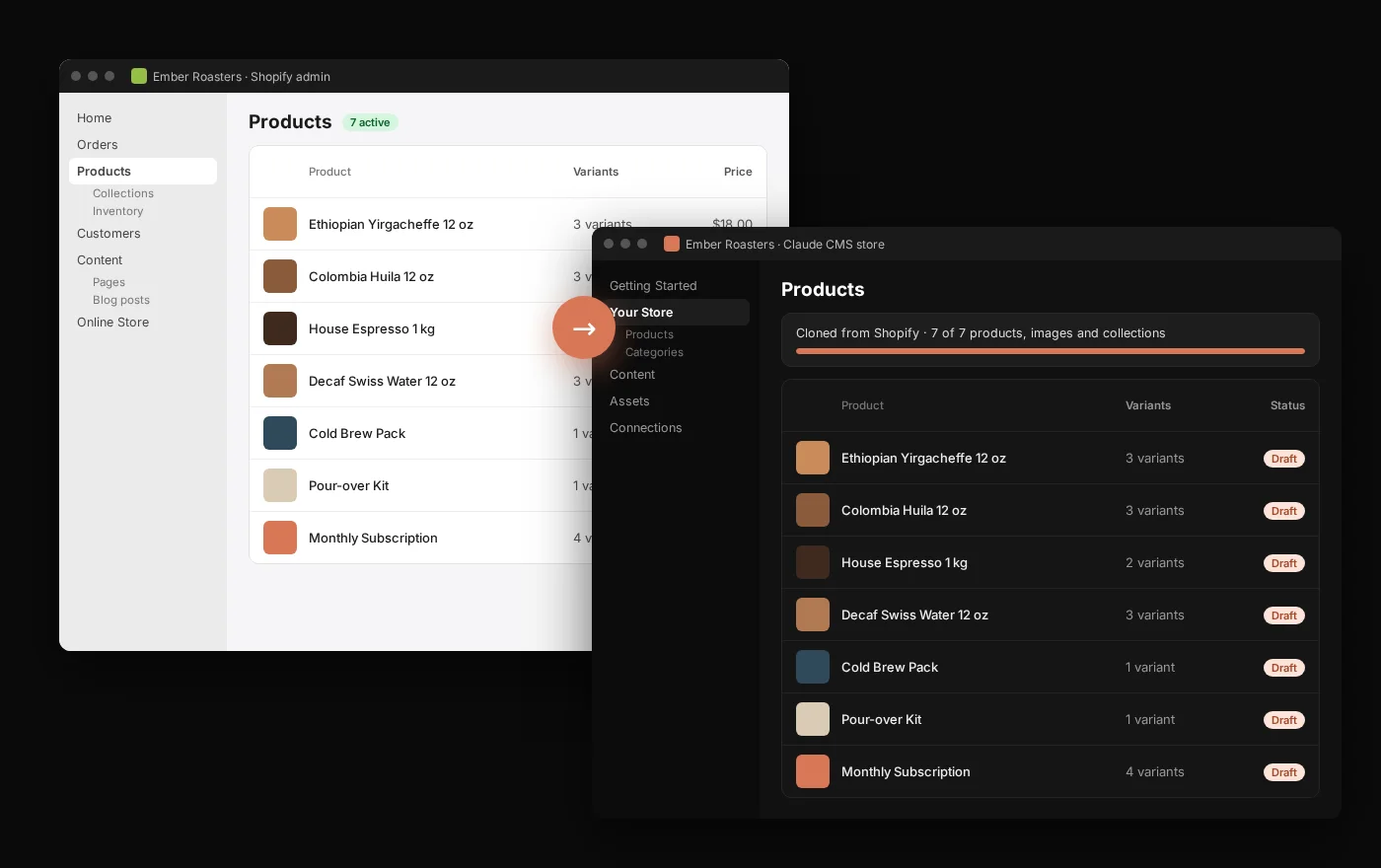
Looking for a Shopify alternative without starting again? With your store connected, Claude reads your catalogue through the Shopify connector, downloads a backup you keep, and clones products, images, collections, pages and posts into a Claude CMS store, one checked batch at a time. Your Shopify store keeps trading until you decide to switch.
Shopify is a good platform. People look for a Shopify alternative for a handful of recurring reasons: the monthly app bill creeps up, a theme can only bend so far, or they want their store, their data and their design in one place they own and can change by asking. Claude CMS is a store and a website you run through Claude, so a change to a product, a page or the checkout is a conversation rather than a new app.
If Shopify does everything you need and the apps you rely on have no equivalent, stay. Nothing in this guide touches your Shopify store until the very last step, so you can do steps one to five, look at the result, and still decide to keep Shopify.
What comes across
Once your store is connected, Claude reads it through the same Shopify connector the other guides use. That gives it the store’s own data, not a scrape of the shop front:
Every product image, in the same order, attached to the new products.
Collections and stock
Collections become categories. Stock levels come across per location.
Pages, posts and menus
About, FAQ, shipping and policy pages, blog posts and the main navigation.
SEO fields
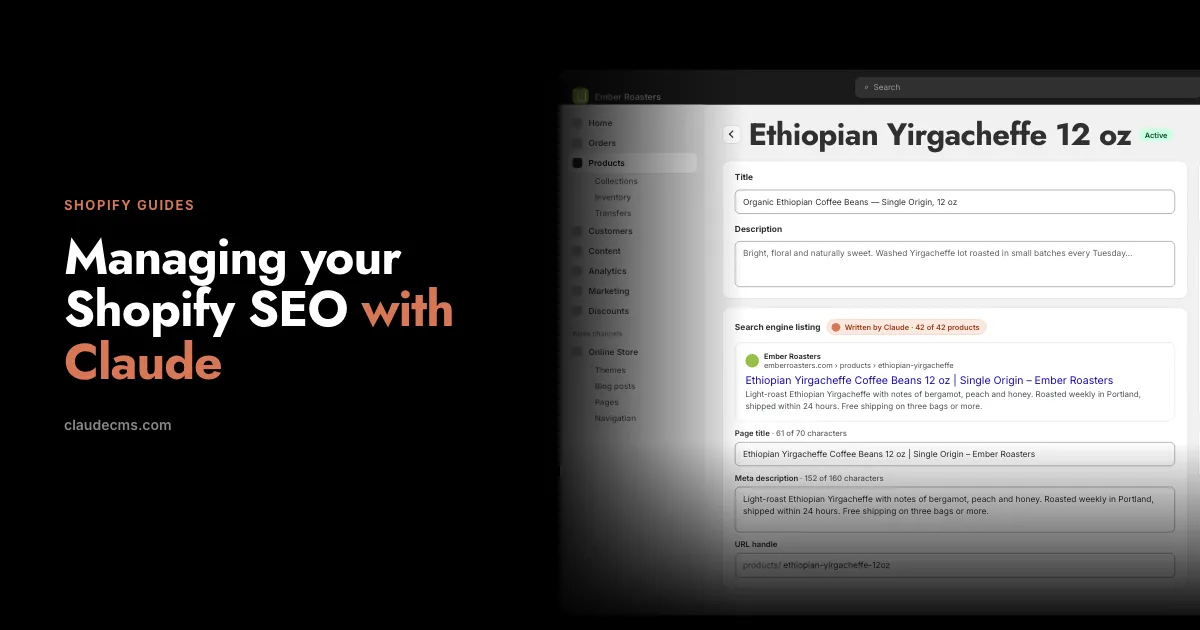
Page titles, meta descriptions and URL handles, so product addresses can stay the same.
Recent orders
Orders from the last 60 days by default, for reference and reporting. Older history needs Shopify’s extra “all orders” permission.
What does not
The theme itself. Shopify themes are written in Shopify’s own template language, so a theme is rebuilt in Claude CMS rather than converted. Claude works from your live store, so the result can look the same or better (step 4).
Customer passwords. Nobody can export them. Customers set a new password, or simply check out as guests.
Your full customer list. Customer records sit behind Shopify’s protected customer data rules, so how much buyer detail recent orders carry depends on the access your store grants. The full list is a Shopify export you download yourself from the admin, and Claude can import the file.
Shopify Payments and payouts, gift card balances, and data held by apps such as reviews, subscriptions and loyalty points. Each app has its own export; Claude can import the files once you have them.
Step 1: download a backup first
Before anything moves, keep a copy that belongs to you. With Claude in the code view, it can write files straight to your computer:
SayUsing my Shopify connection, download my whole catalogue: every product with its variants, prices, SKUs, weights, collections, SEO fields and image addresses. Save it on my Desktop as shopify-products.csv and shopify-catalogue.json, and tell me how many products and variants you found.
That download is useful on its own, migration or not: it is the cleanest Shopify product export you will have, and the counts give you something to check the clone against later.
Step 2: clone the catalogue
Claude now reads from one connection and writes to the other. Everything arrives as a draft, so nothing appears on the new store until you publish it.
SayClone my Shopify catalogue into my Claude CMS store: products with variants, prices, SKUs and weights, the images in their original order, and collections as categories. Keep the same URL handles, create everything as drafts, and match on handle so running it again updates rather than duplicates. Do the first ten products, then stop so I can check them.
Check those ten properly: options, variant prices, the image order, the description formatting. Then let Claude do the rest in batches. Ask it to finish with a comparison against the download from step 1:
SayCompare my Claude CMS store with the Shopify catalogue you downloaded. List any product, variant, price or image that does not match.
Keep Shopify trading. Your Shopify store carries on selling during all of this. If products or prices change on Shopify before you switch, run the clone again; matching on handle means it updates what is already there.
Step 3: pages, posts and menus
The same approach for everything that is not a product: your About and FAQ pages, shipping and returns, the policy pages, blog posts with their images, and the navigation.
SayCopy my Shopify pages and blog posts into Claude CMS as drafts, keeping their URL handles, then rebuild the main menu and footer menu with the same links.
Step 4: rebuild the design
This is the one step that is a rebuild rather than a copy, and it is often the reason people move. Point Claude at your live store and decide: the same look, or the redesign you have been putting off.
SayLook at my live Shopify store and rebuild the home page, a collection page, a product page and the cart in Claude CMS in the same style: colours, fonts, spacing and layout. Show me each page in my test space before it goes anywhere else.
Work page by page, preview every one, and say what is wrong. If you have not set Claude up for design work yet, Optimise Claude takes two minutes.
Step 5: keep your search rankings
Search engines know your products at Shopify’s fixed addresses: /products/…, /collections/…, /pages/… and /blogs/…. Because the handles came across unchanged, every old address can point to its new one.
SaySet up permanent redirects from every Shopify product, collection, page and blog address to the matching page in Claude CMS, and list any old address that has no match.
Titles and meta descriptions came across in step 2. After the switch, submit the new sitemap in Search Console and watch the coverage report for a couple of weeks.
Step 6: payments, shipping and the switch
Connect your payment provider, such as Stripe or PayPal, on the Connections tab of your account. Never paste keys into Claude.
Set up shipping zones and rates, or connect the shipping platform you already use.
Publish the products, place a real test order, refund it, and check the emails your customer receives.
Point your domain at Claude CMS at a quiet hour.
Leave the Shopify store paused rather than closed for a month or two: refunds on old orders go through Shopify, and it is a fallback if you need one.
Prefer not to do it yourself? Talk to us about a managed migration.
Questions
Can I clone my Shopify store for free?
The backup download and the clone run through your Claude CMS account and your own Claude plan; there is no separate migration fee. Your Shopify plan stays as it is until you pause or close it.
Will I lose my Google rankings?
Not if the redirects are in place. Handles stay the same, every old address points to its new page, and titles and meta descriptions come across with the products.
Can I download my Shopify customers?
Yes, from your Shopify admin: Customers, then Export. Claude can import that file into Claude CMS. Shopify keeps customer records behind its protected data rules, so the export is the reliable route.
Do I have to close my Shopify store?
No. Everything until the domain switch happens alongside your live Shopify store, and you can stop at any point. After the switch, pause Shopify rather than closing it, so refunds on old orders still work.
Is Claude CMS a Shopify alternative for any size of store?
It suits stores that want their site and shop in one place they control and change by conversation. If you depend on a Shopify-only app with no equivalent, look at that first; it is the most common reason to stay.
Start here
Every step above assumes your store is connected to Claude. That is a one-time job: one click from the Connections tab if you already have a Claude CMS account, or step by step in Connect your Shopify store.
What people do with their store once it is connected
Step-by-step guides, each one a conversation with Claude: SEO, sales analysis, landing pages, a redesign, everyday edits, and moving your store to Claude CMS.