A redesign is a series of small decisions you can preview, not one big reveal. Claude works in a copy of your theme, one pass at a time, and you look at every pass before the next starts. The live store does not change until you publish the copy, and the old theme stays until you delete it.
Decide this before anything is built, because it decides what Claude touches. Three depths, in increasing order of effort and risk:
An afternoon
Settings
Colors, fonts, type scale, spacing, button shapes. All of it lives in theme settings and nothing structural changes. Most stores that feel dated need this and no more.
A week
Sections
Rebuild the home page, product page and collection page from the theme’s sections, add a few new ones. Structure changes, the theme does not.
A project
A new theme
Start from a different theme or build sections from scratch. Only worth it when the current theme cannot do what the store needs.
Tell Claude which depth you want and what is wrong with the store today. “It looks like every other Dawn store” is a settings-and-sections brief. “We sell subscriptions and the theme has no idea” is a sections brief with a possible new-theme ending.
Duplicate the theme first
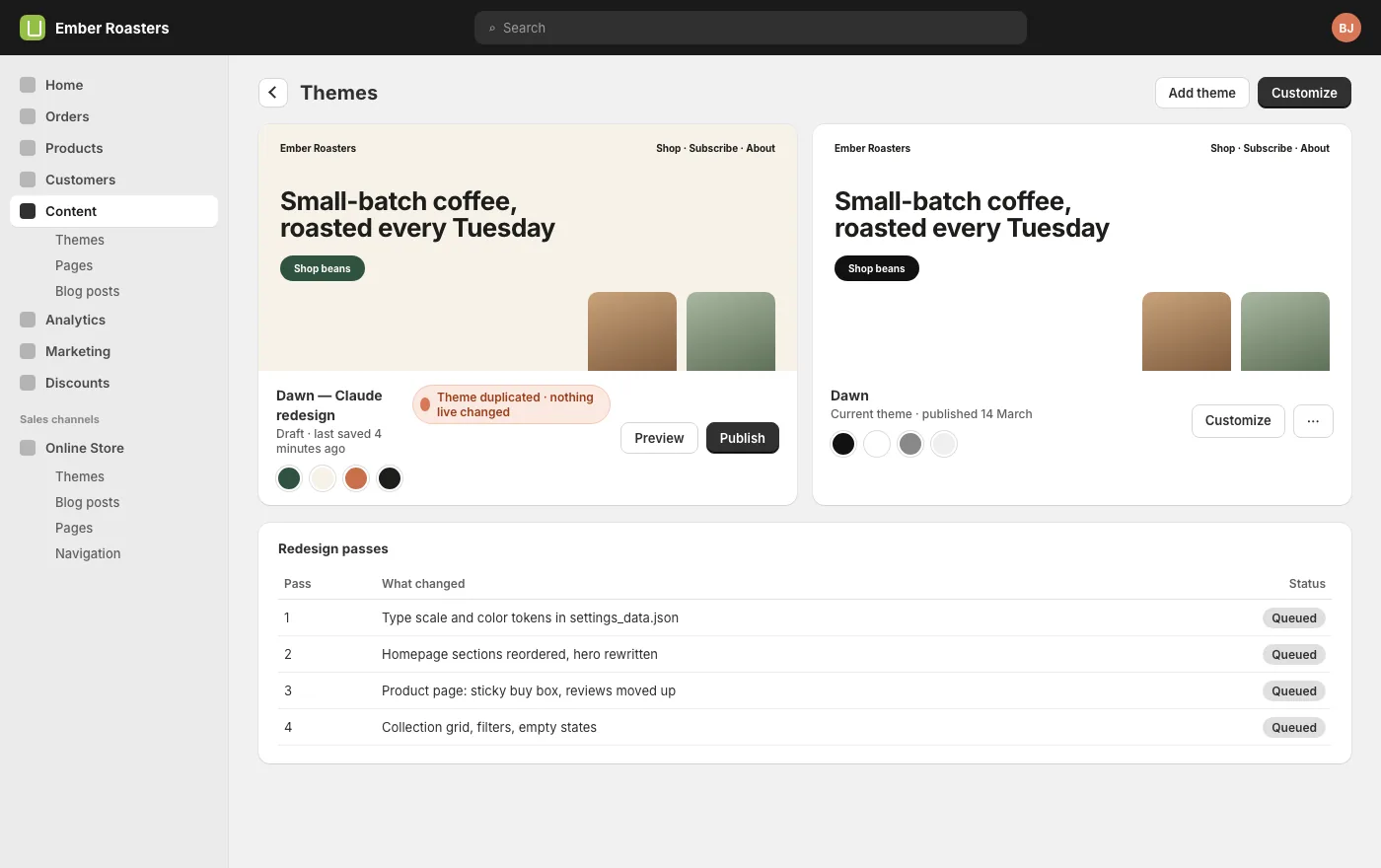
Everything happens in a copy. Shopify lets you keep several themes and publish one; Claude duplicates the live theme through the connector and does all its work in the duplicate. Customers keep seeing the published theme throughout.
SayDuplicate the live theme and name the copy “Claude redesign”. Do all the redesign work in that copy. Never edit the published theme.
That last sentence matters. Say it once at the start and Claude will refuse to touch the live theme for the rest of the project, even if you ask absent-mindedly later.
Work in passes
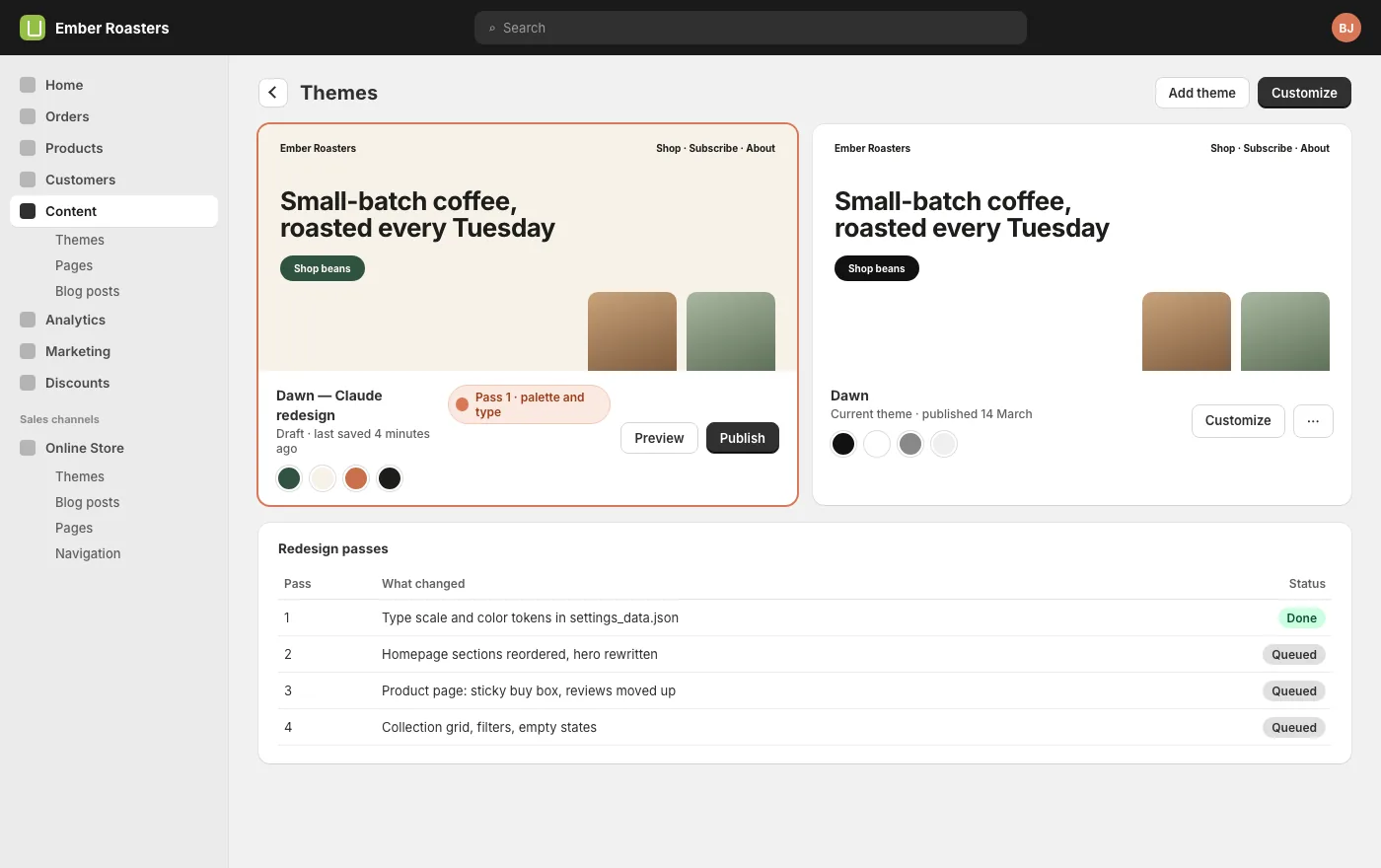
One pass is one coherent change you can look at and judge. Settings first, because they change how everything else looks and there is no point tuning a section against the old palette.
SayPass 1, settings only: a warmer palette built from our packaging (deep green, cream, terracotta accent), a type scale with larger headings, 20% more space between sections, pill buttons. Change nothing structural. Tell me when the preview is ready.
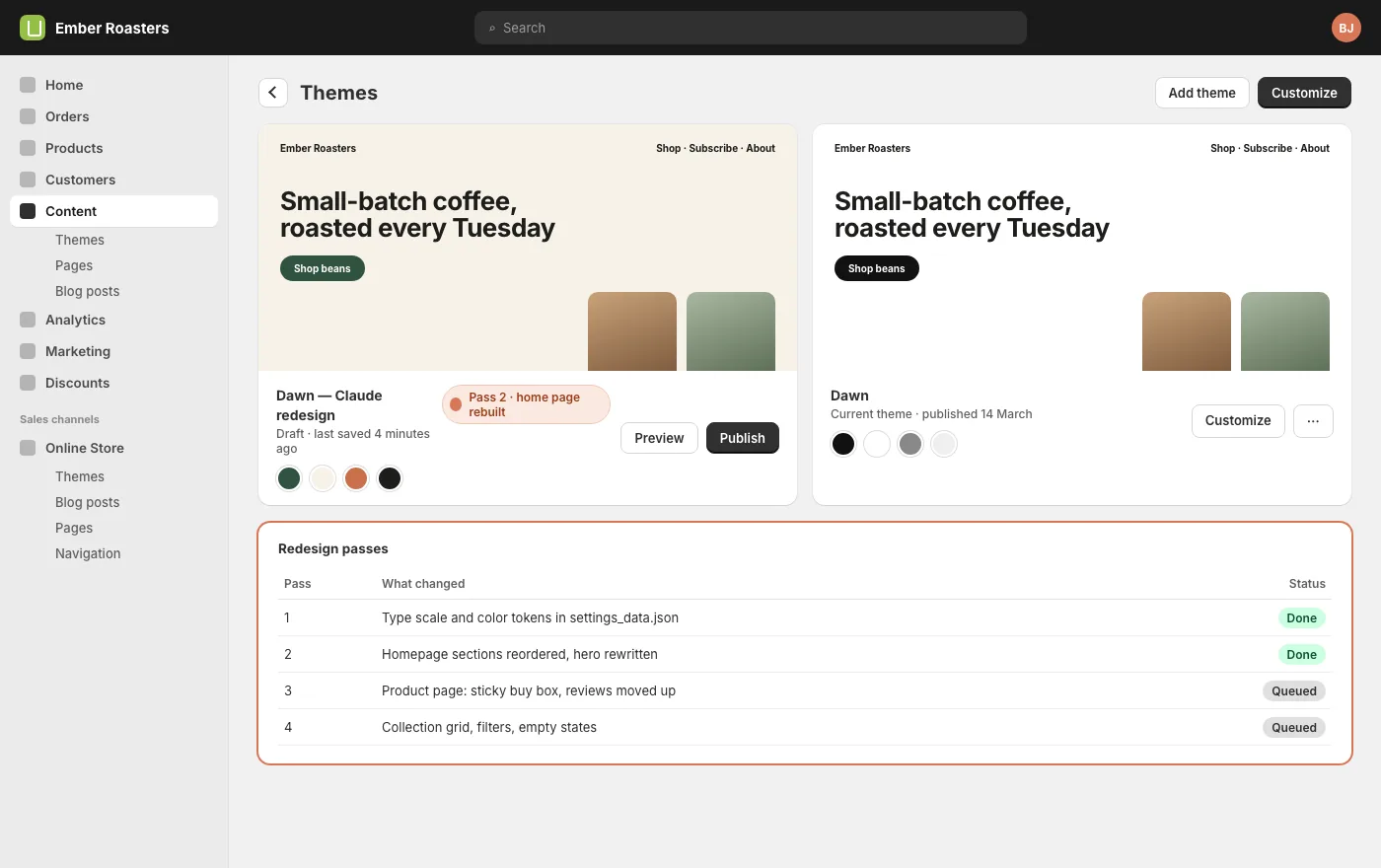
Then sections, page by page, in the order customers see them: home, collection, product, cart. Each pass gets its own prompt, its own preview, and your yes before the next one starts. A redesign done this way is four to six passes. Each one is reversible on its own.
The home page
The home page is where most redesigns go wrong, because it tries to show everything. Give Claude the one thing the store is for and let it build the page around that: for a roaster with a subscription, the subscription; for a maker with a hero product, that product.
SayPass 2, home page: lead with the subscription (what it is, from what price, one button). Then the three best-selling coffees, a short section on how we roast, reviews, and the newsletter. Remove the slideshow and the three generic feature tiles.
Removing is as much of the job as adding. Ask Claude what it would cut and why; it is usually right about the slideshow.
The product page
The product page sells. The changes that move it are unglamorous: a buy box that stays on screen while the description scrolls, the reviews near the price rather than at the bottom, the shipping promise next to the button, one image gallery that works on a phone. Claude can read your current product template and tell you which of those it already does.
SayPass 3, product page: sticky buy box on desktop, reviews summary under the price, shipping and returns line next to the add-to-cart button, related products from the same collection at the bottom. Keep the gallery.
Preview every pass
Shopify gives every unpublished theme a preview link that works for you and not for customers. After each pass, open it on the devices your customers use, click through to the cart, and say what is wrong. Claude fixes in the copy, you look again. Nothing moves to the live store during this.
If you want a second opinion, the preview link can be shared with anyone; they see the redesign, your customers see the store.
Publish and keep the old theme
When the last pass is right, publishing is one action: the copy becomes the live theme and the old live theme becomes an unpublished backup. Do it at a quiet hour, check the home page, a collection, a product and the cart on your phone, and leave the old theme where it is for a month.
SayPublish the Claude redesign theme. Rename the previous live theme “Before redesign, October” and leave it unpublished.
If anything is wrong, rolling back is publishing the old theme again. That is why it stays.
After launch
Two weeks after publishing, ask the sales questions: conversion before and after, add-to-cart rate on the product page, bounce on the home page. A redesign that looks better and sells the same is a redesign; one that sells less needs a pass four. Both are normal, and both are a conversation rather than a project.
Questions
Will my customers see anything during the redesign?
No. All work happens in a duplicate theme that is unpublished. The store they see is the published theme, untouched until you publish the copy.
Which scopes does this need?
Themes, read and write. If you connected from your Claude CMS account these are included. If you installed the app yourself, check the theme scopes are ticked.
Can I bring my own design?
Yes. Share a mockup, a reference site, a brand document or all three. Claude works to it rather than inventing a direction.
What about apps that inject into the theme?
They carry over to the duplicate. Claude can list what each app adds so you can decide what stays.
Start here
Every guide on this page assumes one thing: your store is connected. That is a one-time job of about fifteen minutes, covered step by step in Connect your Shopify store, or one click from the Connections tab if you already have a Claude CMS account. After that, this guide is a conversation.