Manage your Shopify store from a conversation
Connect Claude to your Shopify store and handle products, orders, inventory and storefront content without clicking through the admin. Backed by the Shopify Admin API for Standard and Plus plans.
Your store, on autopilot
Ask Claude to update a catalogue, check on orders or refresh storefront copy — it works directly against your store's data.
Products & inventory
Create and edit products and variants, update pricing, manage collections, and adjust stock levels in bulk by describing the change.
Orders
Look up orders, check fulfilment status, and pull sales summaries so you can answer "how are we doing?" without opening a dashboard.
Storefront content
Edit pages, blog posts and product descriptions, and tune SEO metadata across the store from one place.
You choose what Claude can access
When you approve the app in Shopify, you pick and approve the levels of data access Claude is given — untick anything you’d rather keep out of reach. Claude only gets what you approve, and you can remove its access from your Shopify admin at any time. Ready to wire it up? Log in to your account and connect from the Connections tab - or follow the step-by-step Shopify setup guide if you are doing it yourself.
What you can ask for on Shopify
Products, orders, stock and collections — from the same chat that builds your site.
Products
Add and edit products, variants, images and collections in bulk instead of one form at a time.
CatalogueOrders
Look up orders, fulfil them, send tracking and answer where-is-my-order questions from the chat.
OrdersInventory
Watch stock levels across locations and get told before something sells out, not after.
StockStore to website
Pull your best sellers, collections and product copy through onto the site Claude builds for you.
SyncShopify connector — common questions
Does Claude have a Shopify connector?
Yes. Claude CMS provides an MCP connector for Shopify that gives Claude scoped access to the Shopify Admin API, so it can work with your products, orders, inventory and storefront content directly from a conversation.
How do I connect Claude to my Shopify store?
Sign in to Claude CMS, open the Connections tab and enter your mystore.myshopify.com address in the Shopify section. You approve the install on Shopify's own screen, and the store links to your account automatically.
What can Claude do with my Shopify store?
Add and edit products, variants and collections in bulk, look up and fulfil orders, send tracking, watch stock levels across locations, and pull your catalogue through onto the website Claude builds for you.
Does Claude work with Shopify Plus?
Yes. The connector uses the standard Shopify Admin API, which is available on Standard and Plus plans alike.
Can Claude build a Shopify store from scratch?
Claude can populate and manage a store you already have. If you do not have one yet, Claude CMS also includes its own headless ecommerce, where payments go to your own Stripe account and there are no per-transaction fees.
Get the Shopify connector for just £6.99/month
Your Claude CMS licence isn't per-integration — one subscription unlocks the Shopify connector and everything below. No add-ons, no per-connector fees.
- ✓Every other connector — WordPress, Wix, Framer, Elementor, LinkedIn & more
- ✓Full Claude CMS — pages, blog, forms, database & backend
- ✓All building blocks, plus every new connector as it launches
- ✓Cancel anytime · no long contracts · your site stays yours
Need the Setup & Monthly or Full Build + SEO/AEO plan instead? Compare all plans →
Connect your store
The Shopify connector is live. Get started with Claude CMS, or get in touch and we'll help you connect.
Get started →Shopify guides, as they were published
Newest first. Every guide we have written for running a Shopify store with Claude, with the date it went up.
- New guideCreate a custom admin for your Shopify store
Your store admin rearranged around how you work, by telling Claude what comes first and what to hide.
- New guideMigrate your Shopify store to Claude CMS
Moving a Shopify store to Claude CMS: back it up, clone the catalogue and content, keep rankings, then switch.
- New guideAnalyze your Shopify sales with Claude
The questions a sales dashboard cannot answer, asked of your orders, plus a short report every Monday.
- New guideManaging your Shopify SEO with Claude
Titles, descriptions, alt text and internal links across the whole catalogue, then checked in Search Console.
- New guideBuild Shopify landing pages with Claude
Campaign pages built from a brief inside your own theme, kept unpublished until you have seen them.
- New guideRedesign your Shopify store with Claude
A full redesign done in passes on a duplicate theme, with every pass previewed before it goes live.
- New guideHow to edit your Shopify store with Claude
The working loop for Shopify edits: copy the page, preview it, change it, then push it and check it live.
What people do with their store once it is connected
Step-by-step guides, each one a conversation with Claude: a custom admin, SEO, sales analysis, landing pages, a redesign, everyday edits, and moving your store to Claude CMS.
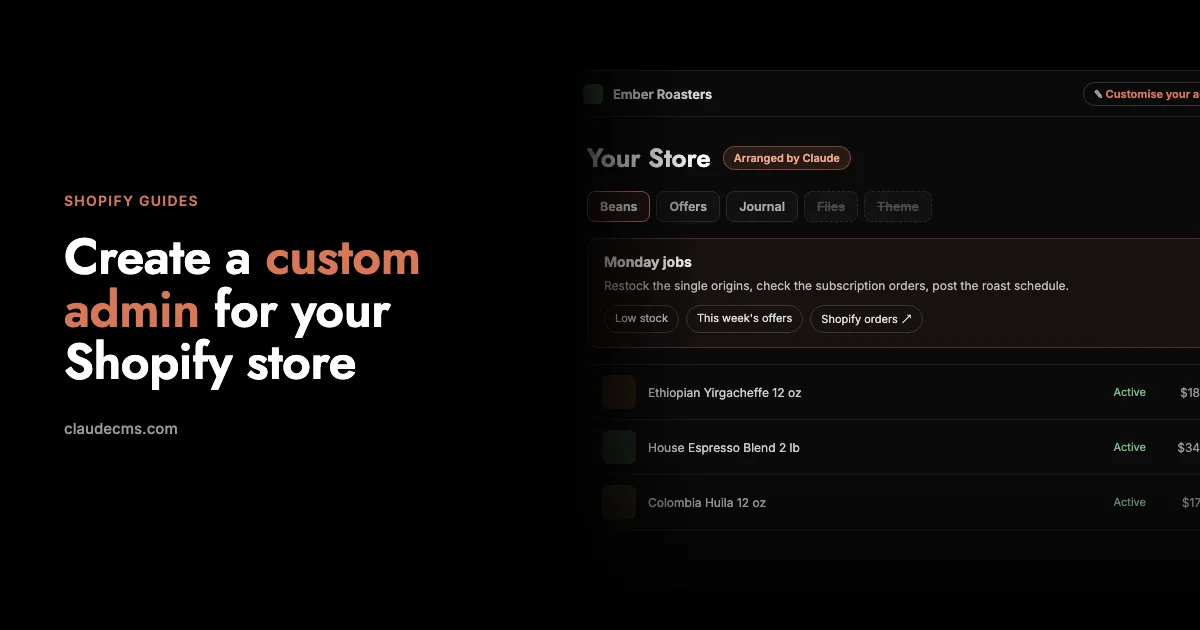
Create a custom admin for your Shopify store
Put what you use first, hide what you never open and rename the rest, just by telling Claude how you run the shop.
Read the guide →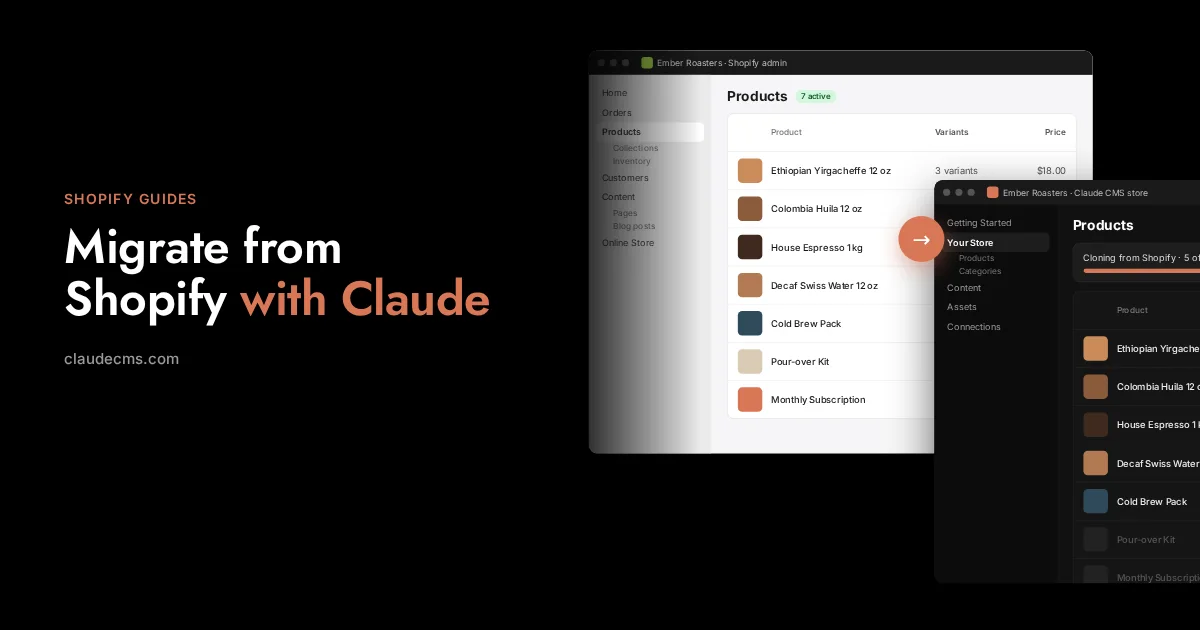
Migrate your Shopify store to Claude CMS
Download a backup, clone the catalogue, pages and posts, rebuild the design, keep your rankings, then switch.
Read the guide →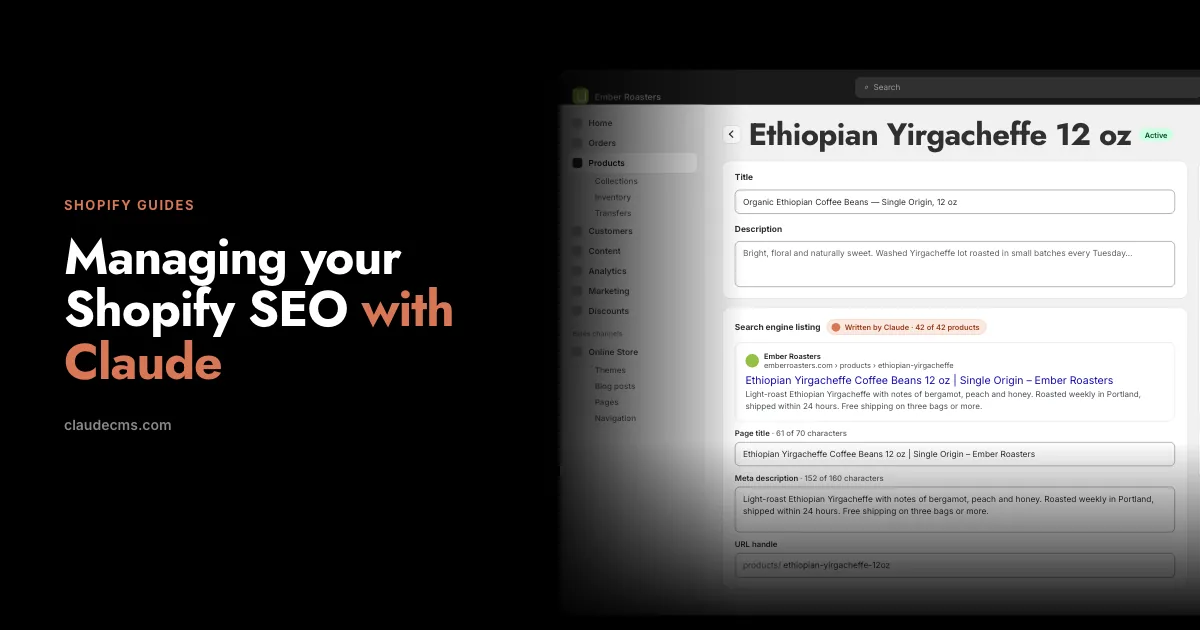
Managing your Shopify SEO with Claude
Titles, meta descriptions, alt text, collections and internal links, written and kept current from a conversation.
Read the guide →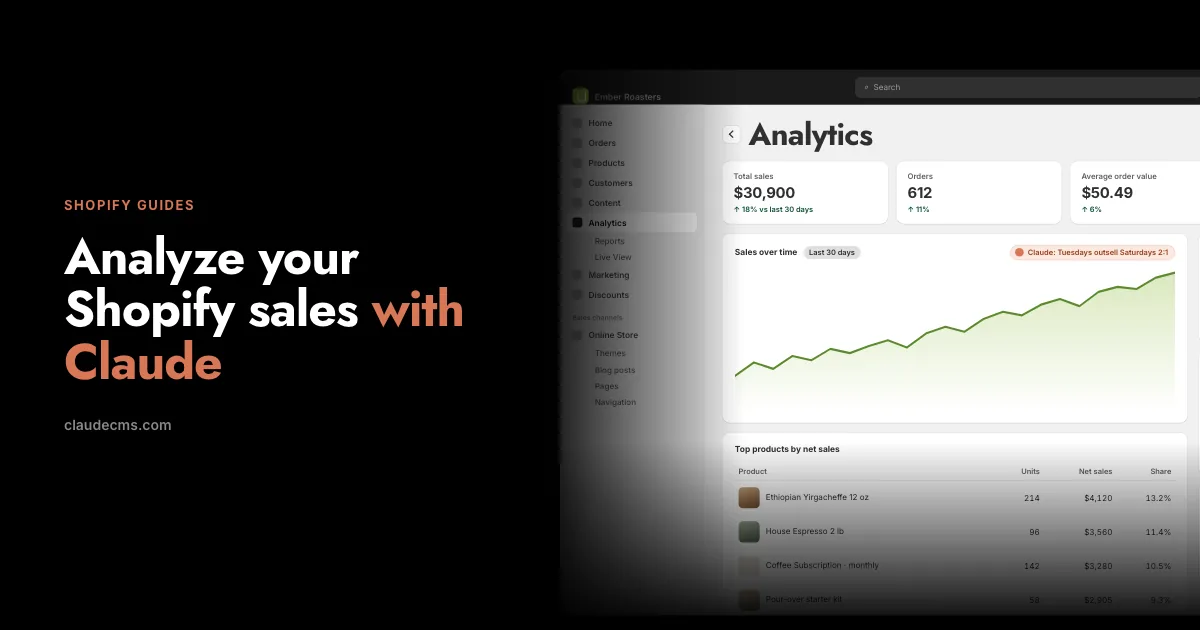
Analyze your Shopify sales with Claude
Pull the orders, ask real questions, get a weekly report and turn the answers into changes in the store.
Read the guide →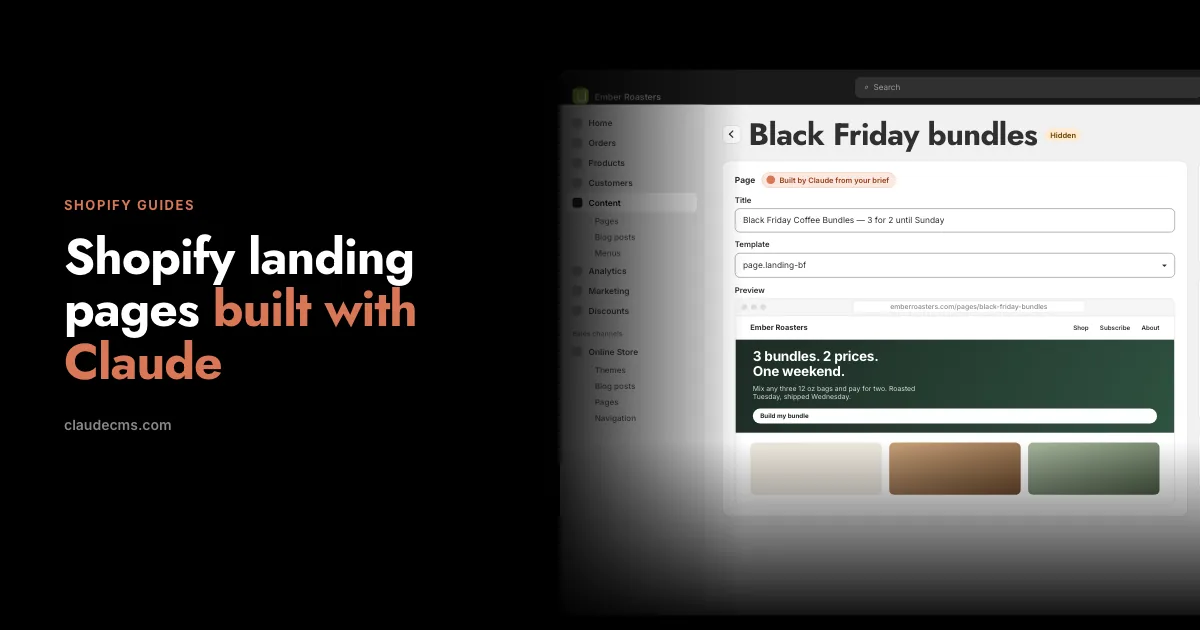
Build Shopify landing pages with Claude
A campaign page from a brief, in your theme, pushed unpublished, previewed, then published and linked.
Read the guide →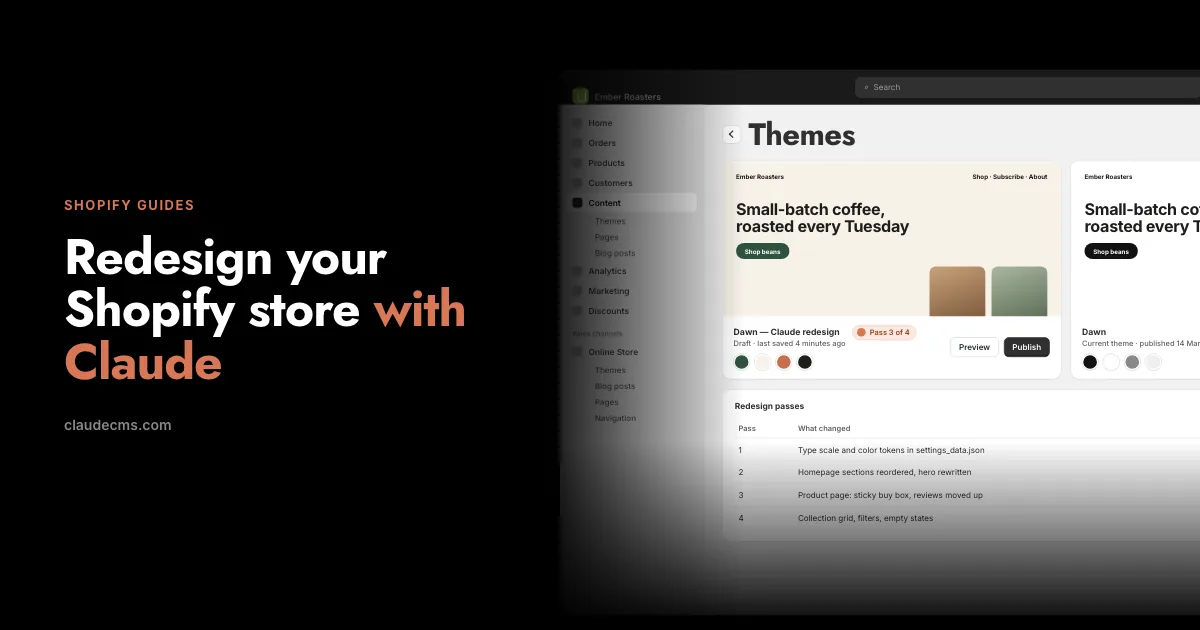
Redesign your Shopify store with Claude
Duplicate the theme, work in passes, preview every pass, publish when it is right, roll back if it is not.
Read the guide →
How to edit your Shopify store with Claude
The six-step loop: clone a page locally, preview it, iterate, pick the unit, push, verify, link.
Read the guide →If it has an API, we’ll build the connection
Every other platform answers this question with “is there an app for that?” We answer it by writing the connection. There is no app store here, so nothing has to be popular enough for someone else to build it first, and there is no extra subscription at the end of it.
Your site is your own PHP/MySQL, not a sandbox, so an integration is ordinary server code against the vendor’s API rather than whatever a marketplace app is permitted to reach. Credentials are deposited encrypted in your account area and used server-side only.
Anything with a documented API
Accounting, inventory, CRM, booking, couriers, marketplaces, your own internal system. If it publishes an API, it can be connected.
Built for your workflow
Not the generic version that suits a hundred thousand shops. The one that matches how you actually work, because it is written for you.
No app store, no app bill
Connections come with your plan. No per-app subscription stacking up month after month, and no revenue share on your sales.
Early customers keep this. Connections are included on your plan for as long as you stay on it. If we ever charge separately for them, it will not be for the people who backed us early — you keep what you signed up for.
Tell us the tool and what you need it to do. If it genuinely cannot be done — no API, or the vendor does not allow it — we will say so rather than sell you a workaround.