
Six checks before you open the doors: test payments in the checkout, prove orders reach your shipping system, scan every internal link for 401s and 404s, link Search Console, submit the sitemap and connect Google Analytics — then the automation that grows the store.
Read →
Clone the page to your computer, preview it on a local port, iterate, then decide whether it is a page, a new template or a theme change before you push. Verify with an uncached fetch and a before-and-after, and nothing goes live until you have seen it.
Read →
You are connected and the site is empty. The order that works: design one page and get it right, then roll it across the others, add the functionality and test — plus why your header should live in one place.
Read →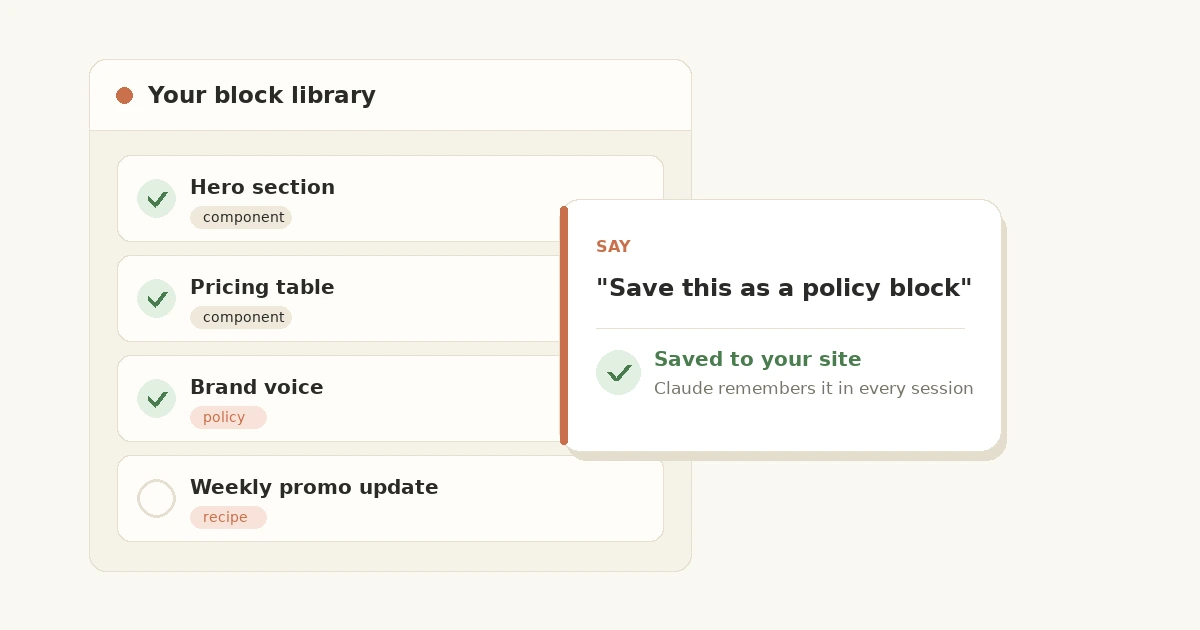
Blocks are the shelf of tested, ready-made features every site can draw on — and now the shelf works both ways. Browse the library, deploy in one message, and save your own blocks that Claude remembers in every session.
Read →
An autonomous blog doesn't start with a keyword — it starts with a data source only you have. The architecture: a crawl agent, a sources database, scheduled analysis, and articles written from data nobody else has.
Read →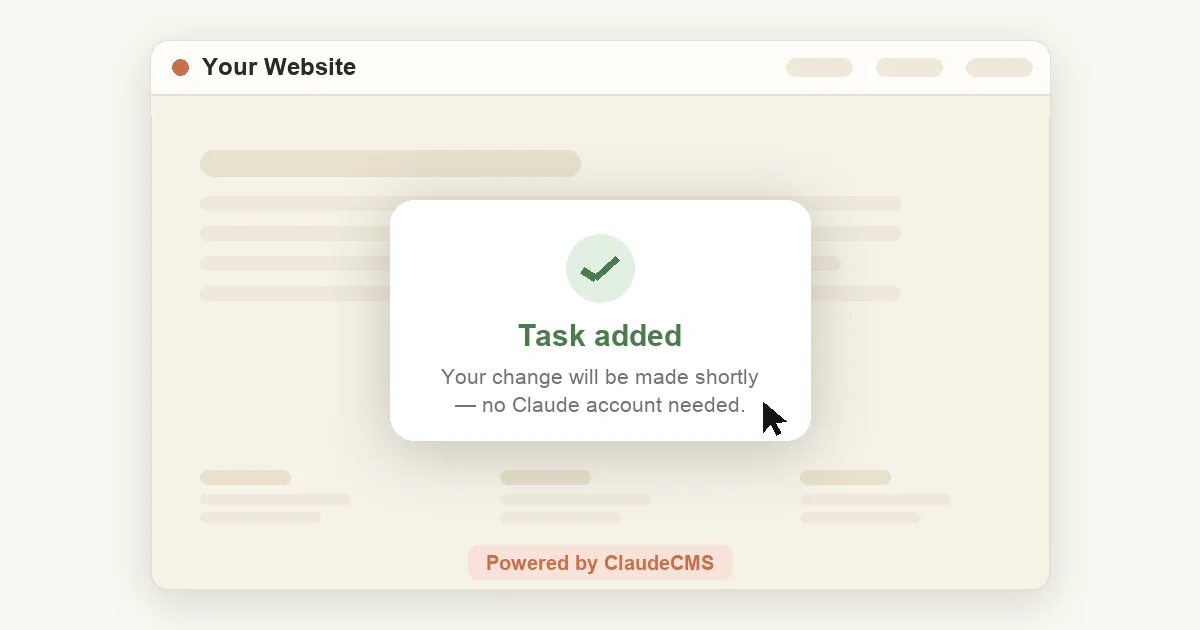
No Claude account? No problem. Two ways to change anything on your site: click Powered by ClaudeCMS on the page you want to edit, or raise a task from your admin panel.
Read →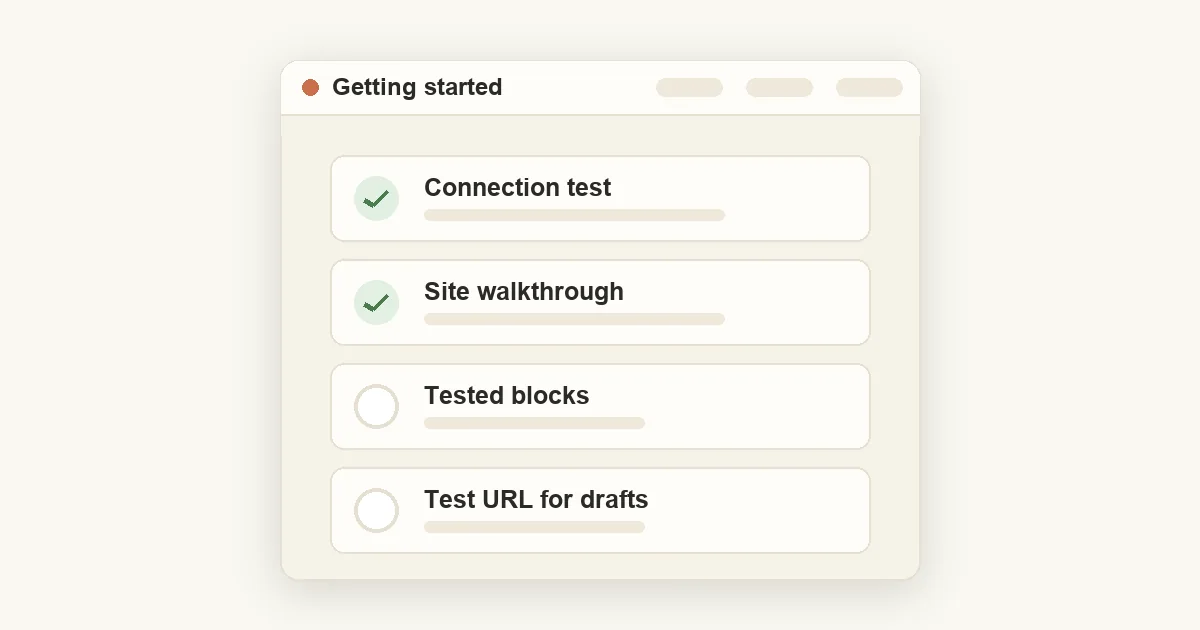
New to Claude CMS? Five prompts take you from "is this connected?" to a site you can safely experiment on — connection test, site walkthrough, your project context, tested blocks, and a test URL for drafts.
Read →